AnyFileConverter.online
Privacy-first, client-side file tools. Convert JPG → PDF, compress PDFs & images, remove backgrounds, and convert PDF → Word — fast, free and secure.
Fast, secure & free — no signup required. Files stay on your device unless you opt into server features.
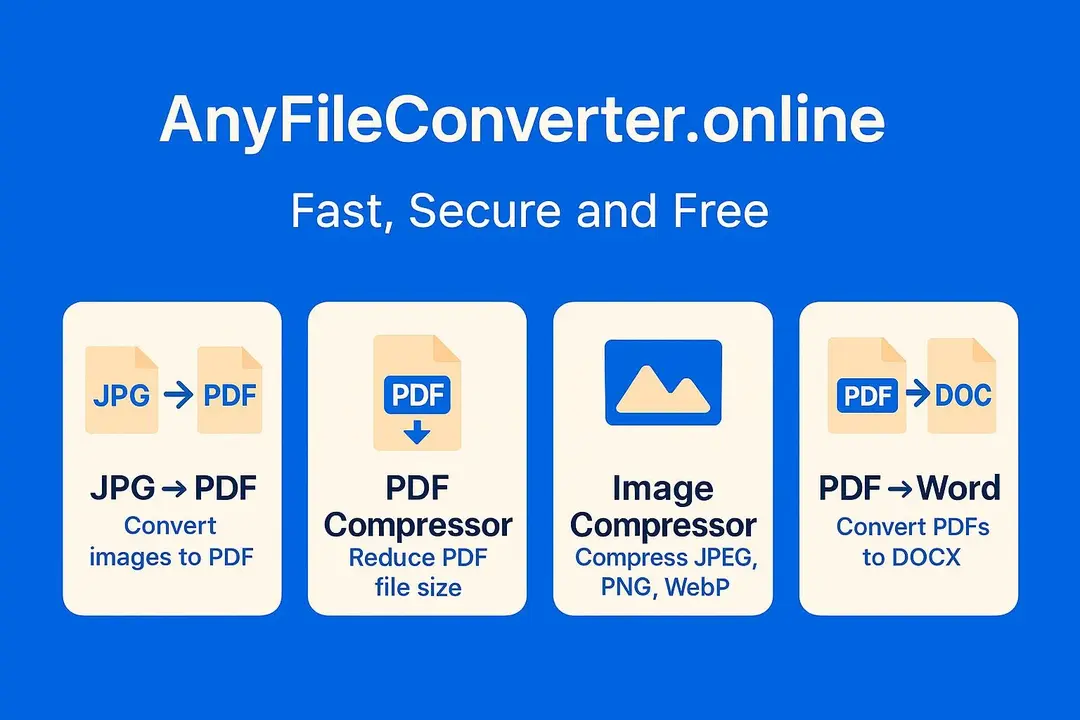
Available tools
Quick client-side tools for most common file tasks.
JPG → PDF
Client-sideCombine images to a single PDF. Reorder, rotate & choose page size.
PDF Compressor
Client-sideReduce PDF size for email and uploads.
Image Compressor
Client-sideCompress JPG, PNG & WebP images with quality control.
PDF → Word
Client-sideConvert PDFs into editable DOCX files.
Merge PDF
Client-sideCombine multiple PDFs into one. Reorder files & download instantly.
Remove Background
Client-sideProduce transparent PNGs or composite with a color.
Why choose AnyFileConverter?
- Privacy-first: Conversions happen in your browser.
- No signup: Use instantly with no account.
- Fast & lightweight: Minimal UI, local processing.
- Mobile-ready: Designed to work smoothly on phones.
How it works
- Select the tool you want to use.
- Upload or drag & drop your files.
- Adjust settings (quality, page size, order).
- Convert & download instantly.
Frequently asked questions
Are my files uploaded to your servers?
Most conversions run in your browser — files are not uploaded unless you explicitly enable a server feature.
Are the tools free to use?
Yes — all core tools are free with no signup required.
Which formats are supported?
Formats vary by tool: JPG/PNG/WebP for image tools, PDF for PDF tools and DOCX for Word outputs.